> For the complete documentation index, see [llms.txt](https://help.ringtonic.app/llms.txt). Markdown versions of documentation pages are available by appending `.md` to page URLs; this page is available as [Markdown](https://help.ringtonic.app/guides/port-existing-numbers.md).
# Port Existing Numbers
If you're migrating from another call tracking platform like CallRail, you need to port your existing tracking numbers to Twilio before importing them into Ring Tonic. This ensures your phone numbers continue working and your customers can still reach you.
{% hint style="danger" %}
**Critical:** Do NOT cancel your existing call tracking service until the port is complete. If you cancel first, those numbers will be released immediately and your clients will call a dead line.
{% endhint %}
{% hint style="info" %}
Already on Ring Tonic and moving a workspace between Twilio and SignalWire? See [Switch Phone Provider](/guides/switch-phone-provider.md).
{% endhint %}
***
### Why Port Your Numbers?
If you've been using tracking numbers on your website, ads, business cards, or any marketing materials, those numbers are tied to your existing platform (e.g., CallRail, Marchex, DialogTech).
#### The Risk of Not Porting
When you cancel your existing service without porting:
* **Numbers are released immediately** - They stop working the moment your account closes
* **Customer calls fail** - Anyone dialing those numbers gets a "disconnected" message
* **Lost business** - Clients who saved your number can't reach you
* **Marketing waste** - All your ads, billboards, and printed materials become useless
#### The Solution: Port to Twilio
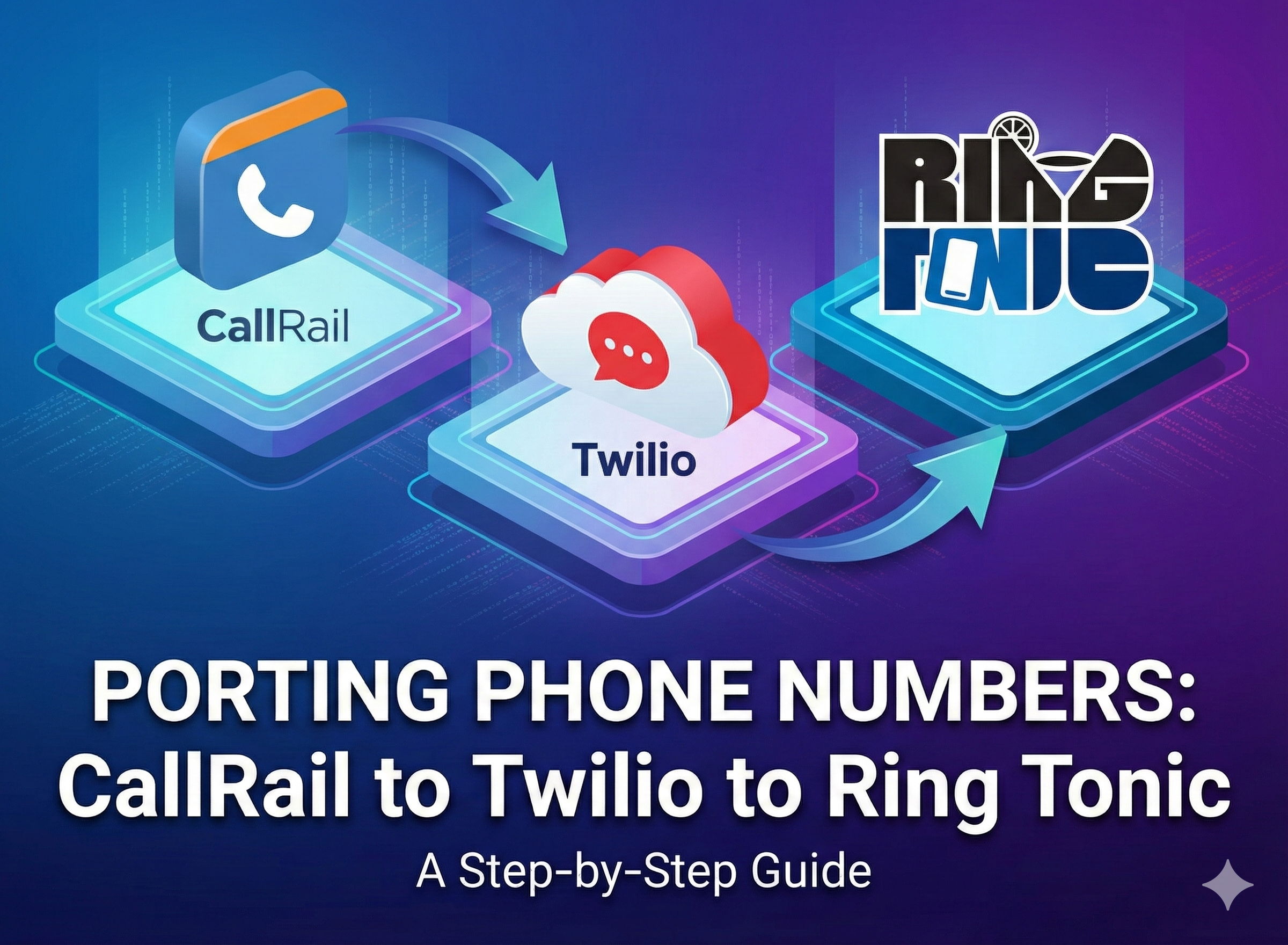
Porting transfers ownership of the phone numbers from your current provider to your Twilio account. Once in Twilio, you control them forever and can import them into Ring Tonic.
```
┌─────────────┐ ┌─────────────┐ ┌─────────────┐
│ CallRail │──────│ Twilio │──────│ Ring Tonic │
│ (or other │ PORT │ (you own │IMPORT│ (tracking │
│ platform) │ │ the number)│ │ & routing) │
└─────────────┘ └─────────────┘ └─────────────┘
```
***
### Porting Costs
{% hint style="success" %}
**Good News:** For US Local and Toll-Free numbers, Twilio charges **$0** to port them in. The porting process itself is completely free.
{% endhint %}
#### Ongoing Costs
Once the numbers are in your Twilio account, you pay Twilio's standard monthly rate:
| Number Type | Monthly Cost |
| ------------- | ------------- |
| US Local | \~$1.15/month |
| US Toll-Free | \~$2.00/month |
| International | Varies |
These charges go directly to Twilio and are separate from your Ring Tonic subscription.
***
### How to Port Numbers
You initiate the porting process inside Twilio, not your current provider. Here's the complete workflow:
{% stepper %}
{% step %}
**Keep Your Current Service Active**
**Do NOT cancel your existing service yet.** This is critical:
* If you cancel before porting completes, the numbers are released immediately
* There's no way to recover released numbers
* The port request will fail if the account is closed
{% hint style="warning" %}
Keep your current service (CallRail, Marchex, etc.) active and paid until Twilio confirms the port is complete.
{% endhint %}
{% endstep %}
{% step %}
**Get Your CSR (Customer Service Record)**
You need proof that you own the numbers. This is called a CSR (Customer Service Record) or sometimes a "Port Out PIN" or "Letter of Authorization (LOA)".
**For CallRail:**
1. Log in to your CallRail account
2. Go to **Settings** → **Account** → **Porting**
3. Click **Request CSR** or download existing CSR documents
4. Alternatively, email CallRail support: `support@callrail.com`
**For other platforms:**
Contact your provider's support and request:
* A CSR (Customer Service Record)
* Port Out PIN
* Letter of Authorization (LOA)
Most platforms provide these documents within 1-2 business days.
{% hint style="info" %}
The CSR typically includes your account details, billing address, and a list of all phone numbers you want to port.
{% endhint %}
{% endstep %}
{% step %}
**Submit Port Request in Twilio**
Once you have your CSR, log in to Twilio and initiate the port:
1. Go to [Twilio Console](https://console.twilio.com/)
2. Navigate to **Phone Numbers** → **Port & Host** → **Port In**
3. Click **Create New Port In Request**
4. Fill in the port request form:
* **Numbers to Port:** Enter all phone numbers (one per line)
* **Current Provider:** Select your provider (e.g., CallRail)
* **Account Details:** Match the information on your CSR exactly
* **Billing Address:** Must match the address on file with your current provider
5. Upload supporting documents:
* CSR from your current provider
* Recent bill or invoice (if required)
6. Select a **Desired Activation Date** (Twilio will try to complete by this date)
7. Click **Submit Port Request**
{% hint style="success" %}
For detailed instructions, see [Twilio's Porting Guide](https://www.twilio.com/docs/phone-numbers/porting).
{% endhint %}
{% endstep %}
{% step %}
**Wait for Twilio to Process**
After submitting, Twilio handles the coordination with your current provider:
* **Processing Time:** Usually 1-4 weeks depending on the carrier and number type
* **Zero Downtime:** Your numbers continue working during the entire process
* **Status Updates:** Twilio emails you with progress updates
**Port Request Statuses:**
* **Pending:** Twilio is reviewing your documents
* **Submitted:** Sent to your current carrier for approval
* **FOC Received:** Firm Order Confirmation - port date is scheduled
* **Complete:** Numbers are now in your Twilio account
{% hint style="info" %}
You can track the port status anytime at **Twilio Console** → **Phone Numbers** → **Port & Host** → **Port In**.
{% endhint %}
{% endstep %}
{% step %}
**Cancel Your Old Service (After Confirmation)**
Only after Twilio confirms the port is **complete**:
1. Verify all numbers are working in your Twilio account
2. Log in to your old provider (CallRail, etc.)
3. Cancel your subscription
{% hint style="success" %}
Once the port is complete, you own the numbers forever through your Twilio account. Your old provider no longer has any control over them.
{% endhint %}
{% endstep %}
{% endstepper %}
***
### After Porting: Import to Ring Tonic
Once your numbers are in Twilio, the next step is importing them into Ring Tonic so you can use them for call tracking.
#### How to Import Numbers
1. Go to **Ring Tonic** → **Phone Numbers** → **Import Numbers**
2. Ring Tonic automatically loads all phone numbers from your Twilio account
3. Select the newly ported numbers
4. Click **Import**
The numbers are now in your Ring Tonic inventory and ready to be assigned to campaigns.
{% hint style="info" %}
For detailed instructions, see the [Phone Numbers guide](/guides/phone-numbers.md#importing-numbers-from-twilio).
{% endhint %}
***
### Common Porting Issues
Port request was rejected
**Possible reasons:**
* **Mismatched information:** The account details you provided don't match what's on file with your current provider
* **Outstanding balance:** You have unpaid bills with your current provider
* **Wrong documents:** The CSR is outdated or incomplete
**How to fix:**
1. Contact your current provider to verify account details
2. Ensure all bills are paid
3. Request a fresh CSR if needed
4. Resubmit the port request in Twilio with corrected information
How long does porting take?
**Typical timelines:**
* **US Local numbers:** 7-10 business days
* **US Toll-Free numbers:** 7-21 business days
* **International numbers:** Varies widely (2-6 weeks)
Twilio aims to complete ports on your requested activation date, but it depends on your current carrier's processing speed.
Will my numbers stop working during the port?
No. Porting has zero downtime. Your numbers continue working with your current provider until the exact moment the port completes. Then they seamlessly switch to Twilio without any interruption.
Can I port numbers from multiple providers at once?
Yes, but you need to submit a separate port request for each provider. For example, if you have numbers with both CallRail and Marchex, you'll create two port requests in Twilio.
What if I already canceled my CallRail account?
Unfortunately, if your account is already closed and the numbers were released, they're gone. You cannot port numbers that have been released back into the carrier pool.
**Your options:**
* Contact your old provider immediately to see if they can reactivate your account
* If the numbers are truly lost, you'll need to purchase new numbers and update all your marketing materials
**Lesson learned:** Always port before canceling.
Do I need to notify my current provider before porting?
No. The porting process itself is the notification. When Twilio submits the port request, your current provider receives it automatically. However, it doesn't hurt to give them a heads-up if you want to maintain a good relationship.
***
### Port Request Checklist
Before submitting your port request, verify:
* [ ] Current service account is **active and paid**
* [ ] CSR or LOA is **downloaded and ready**
* [ ] Account details (name, address) **match exactly** between CSR and Twilio
* [ ] All phone numbers are **listed correctly** (no typos)
* [ ] Supporting documents (CSR, recent bill) are **uploaded**
* [ ] Desired activation date is **realistic** (at least 2 weeks out)
* [ ] You have a **plan to cancel the old service** after port completes
{% hint style="success" %}
**Pro Tip:** Port during a low-traffic period if possible. While there's no downtime, it's good practice to minimize risk during your busiest seasons.
{% endhint %}